How to save the «Global Fashion Professional» app on iPhone?

1. In the phone menu, open the «Safari» browser

2. In the search engine «Google», you need to find our official website globalfashion.md

3. Next, click «Share» (a square with an arrow outgoing from it). If the bottom panel is not displayed, scroll down the page

4. Next, you need to click on the «Home» screen (a square with a plus sign in the middle)

5. Then click on «Add»

6. Done! Now our website globalfashion.md has appeared on the screen

By downloading Globik to your phone, you have the opportunity to get a discount when buying any goods from our stores. To do this, you just need to show the seller the application from your phone, and you will get a 5 % discount. But it is worth noting that if the product is already discounted, it is not subject to an additional discount, even with the application. In cases of ordering from the Internet, you must send a screenshot of the phone screen and your contacts (or order number) to the mail: [email protected].
Or by phone +37368271761 (viber, whats App).
Published: 23.07.2019 17:04
Times Read: 4970
8347 bought
ID: 3678
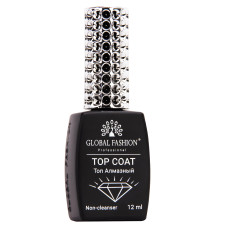
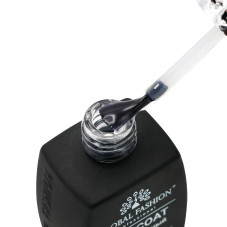

120 MDL
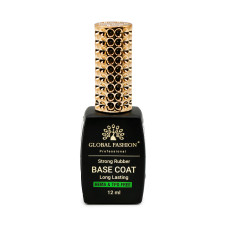

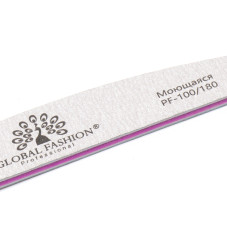
3894 bought
ID: 3688
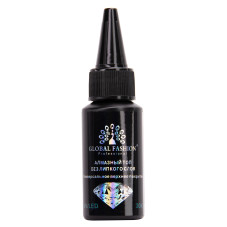
180 MDL